Create a Microsoft tenant
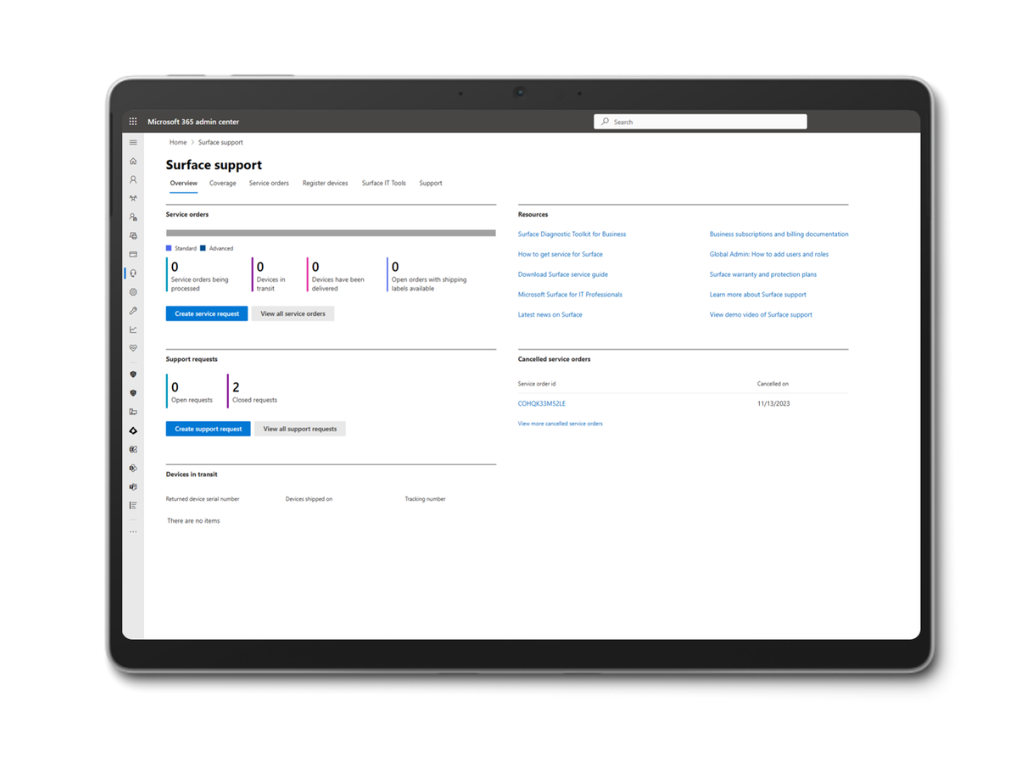
If your organization doesn't already have a tenant, the next step is to create one. Do the following to get started:

- Visit the onboarding page to verify that a tenant doesn't exist.
- Enter your work email address, then select Next.
- If your domain isn't recognized, select Set up account to create a new tenant.

Enter basic organizational details—including first name, last name, business name, and phone number. Once complete, select Next.
Verify your identity. You can choose to receive a verification code by text or phone call. Select either Text me or Call me, input your phone number, and then select Send verification code to proceed.
Note
Identity verification is required to confirm that you're authorized to set up the tenant.